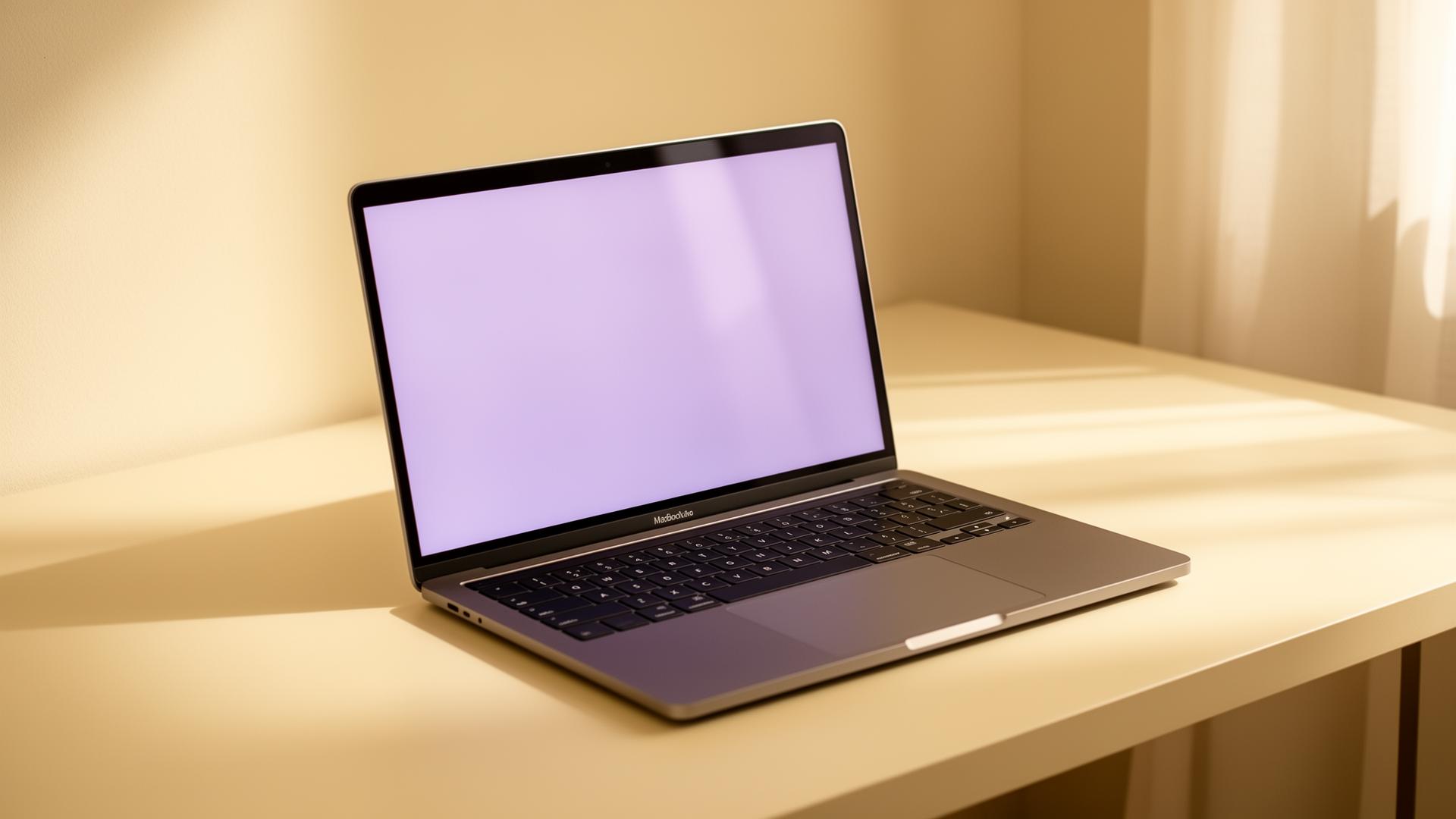
01
Speakr sees
Opens what's on your screen — instantly.
02
You talk
Hold two keys. Ask anything.
03
Get an answer
Copy, paste, done.
Keyboard
45 wpm
Here are a few options. I'm getting started with the project. How would you like to set up the file? Here are a few options. I'm getting started with the project. How would you like to set up the file? Here are a few options. I'm getting started with the project. How would you like to set up the file? Here are a few options. I'm getting started with the project. How would you like to set up the file? Here are a few options. I'm getting started with the project. How would you like to set up the file? Here are a few options. I'm getting started with the project. How would you like to set up the file? Here are a few options. I'm getting started with the project. How would you like to set up the file? Here are a few options. I'm getting started with the project. How would you like to set up the file?

Speakr
220 wpm
Here are a few options. I'm getting started with the project. How would you like to set up the file? Here are a few options. I'm getting started with the project. How would you like to set up the file? Here are a few options. I'm getting started with the project. How would you like to set up the file? Here are a few options. I'm getting started with the project. How would you like to set up the file? Here are a few options. I'm getting started with the project. How would you like to set up the file? Here are a few options. I'm getting started with the project. How would you like to set up the file? Here are a few options. I'm getting started with the project. How would you like to set up the file? Here are a few options. I'm getting started with the project. How would you like to set up the file?
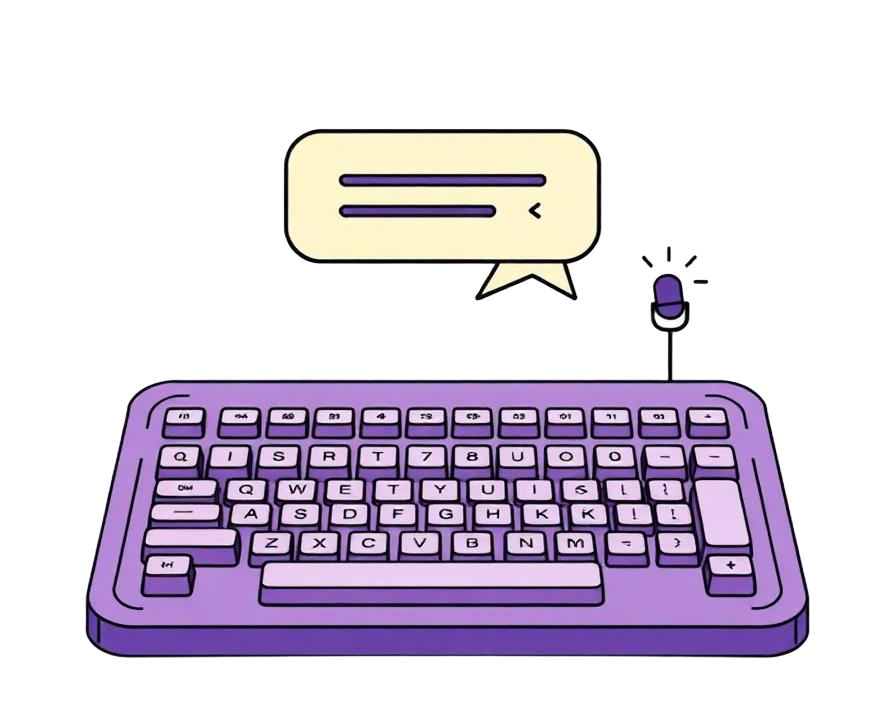
Talking is ~5× faster than typing. And Speakr does the thinking too.
What you get
Reads your screen
No more pasting context.
Any language
Speak how you speak.
Smart answers
Drafts, explains, fills forms.
Remembers
Full conversation history.
One hotkey
Hold from anywhere.
Private
Never trained on you.
One assistant.
For everything on your screen.
Pick a workflow to see Speakr in action.
Hold. Speak. Done.
Stuck on anything on your screen? Hold two keys, ask out loud, get an answer instantly. No tab switching. No typing. No screenshots.
Download for Windows (Beta)Run the installer to get started.
Start 7 day free trial
No card needed.